
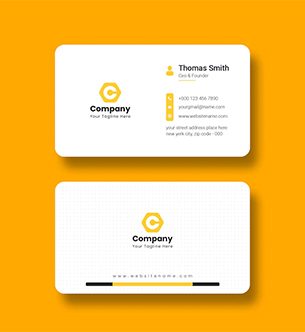
A good online print workflow makes it simple to specify, pay and track your order, while automated checks catch file problems before they reach the press.
Ordering print online removes the guesswork — upload your file, choose your options and approve a proof without leaving your desk. This guide looks specifically at How to Upload and Order Print Files Online and what to consider before you place an order.
Key options and materials
Getting the specification right is half the job. The choices below have the biggest impact on how the finished piece looks and lasts:
- Automated preflight — checks resolution, bleed and colour mode.
- Digital proofs — approve on screen before printing.
- Order tracking — follow the job from artwork to dispatch.
- Upload & order — supply PDF, AI or high-res files directly.
How to compare your choices
| Step | What happens | Your action |
|---|---|---|
| Upload | File received | Send print-ready PDF |
| Preflight | Automated checks | Fix any flags |
| Proof | Digital preview | Approve or revise |
| Job produced | Track to delivery |
Practical tips for a better result
- Outline fonts to avoid substitution on upload.
- Double-check the digital proof carefully — it's your final sign-off.
- Flatten and export a print-ready PDF with 3 mm bleed before uploading.
- Convert artwork to CMYK so the on-screen proof is accurate.
Common mistakes to avoid
- Approving a proof without zooming in to check the details.
- Uploading RGB files and expecting exact colour.
- Skipping the bleed, leaving thin white edges after trimming.
Frequently asked questions
What file format should I upload?
A print-ready PDF is best — CMYK, 3 mm bleed, embedded or outlined fonts, and images at 300 dpi.
Will I see a proof before printing?
Yes — a digital proof is generated so you can approve layout and content before the job goes to print.
How is colour handled online?
Convert to CMYK before uploading; for critical brand colours, request a physical proof to confirm the match.
Ready to print?
Whether you are planning a single order or a recurring one, sharing a clear brief and print-ready artwork gets you a sharper result and a faster turnaround. If you'd like help specifying How to Upload and Order Print Files Online, get in touch for a free quote and our team will guide you through the options.
