
How to order prints online: a step-by-step walkthrough
Ordering print online for the first time can feel like guesswork. You upload a file, click a few buttons, and hope the box that arrives matches what you pictured. It does not have to be uncertain. Once you know the typical steps and what each one is really asking of you, the whole process becomes quick and predictable. This walkthrough covers the usual journey from choosing a product to approving the final proof, so you know exactly what to expect.
The good news is that online print ordering follows a consistent pattern across most products, whether you are printing business cards, flyers or booklets. Learn it once and you can order almost anything with confidence.
The typical steps from start to finish
Most online print orders move through the same stages. Knowing them in advance helps you prepare your file and your decisions:
- Choose the product and its specifications, such as size, paper stock, finish and quantity.
- See the price update as you change those options, so you can balance budget and quality.
- Upload your artwork, usually as a print-ready PDF.
- Let the system run an automatic check for issues like low resolution or a missing bleed.
- Review a digital proof that shows how your file will print.
- Approve the proof, complete checkout, and choose your delivery or collection option.
The single most important stage is the proof. It is your last chance to catch a typo, a color surprise or a layout shift before the press runs. Never skip it. Our checklist for approving an online print proof gives you a simple routine to follow at that step.
Preparing before you upload
A smooth order starts before you reach the website. If your file is set up correctly, the automatic checks pass on the first try and you avoid back-and-forth. A little preparation goes a long way:
- Export a print-ready PDF rather than a screenshot or a low-quality image.
- Include the bleed if your design runs color to the edge.
- Keep important text away from the trim line.
- Use CMYK color so the printed result matches your preview.
If any of that sounds unfamiliar, our preflight checklist for print-ready artwork walks through each item in plain language. Spending five minutes here saves you a rejected file later.
What happens after you approve
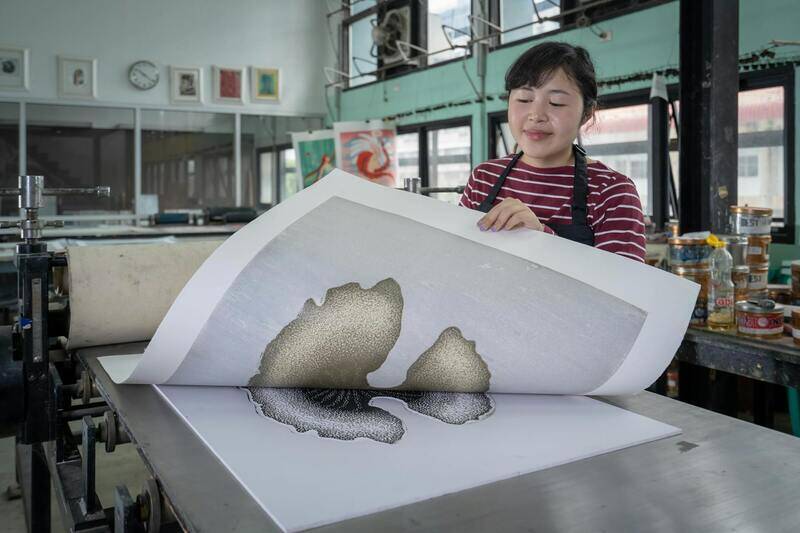
Once you approve the proof and pay, your job moves into production. Depending on the product and the turnaround you selected, printing and finishing take anywhere from a few hours to a few days. Standard orders are cheaper, while rush options cost more but compress the timeline. After production, your order is either dispatched to your address or made ready for collection. Keep the order confirmation handy, as it usually contains a reference you can use to ask about progress.
If you plan to reorder the same item regularly, note down the exact specifications you chose. Matching stock, size and finish on every reorder keeps your printed materials consistent. Our guide on approving digital proofs before you print explains how to make each proof review reliable.
Order with confidence
Online print ordering rewards a little preparation. Choose your specifications thoughtfully, upload a clean file, and treat the proof as the one checkpoint you cannot skip. Do that and the printed result will match your expectations far more often than not. If you get stuck at any step or want a second pair of eyes on your file, our team is glad to help. Explore our printing guides or reach us through the contact page before you place your order.
