
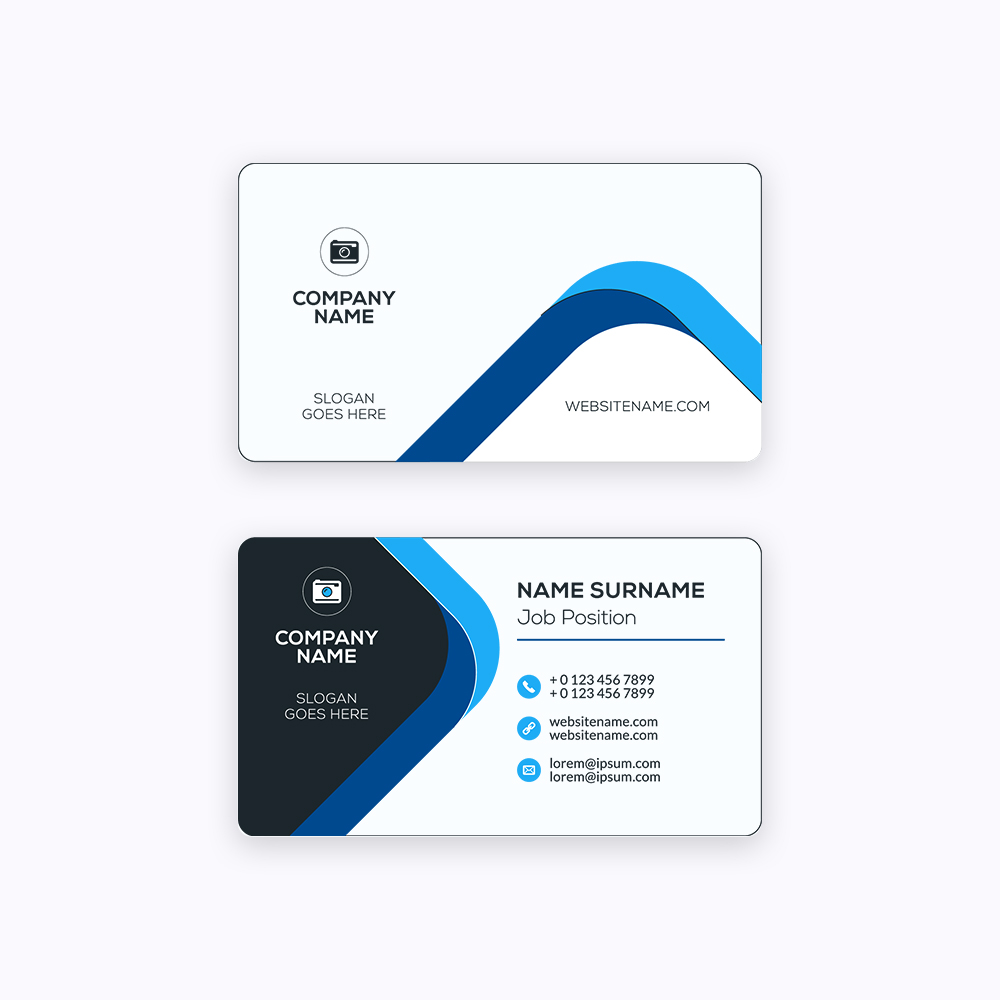
Brochures give a business room to tell its full story — products, pricing, benefits and contact details in one tidy, foldable format that a prospect can keep.
From a simple tri-fold leaflet to a multi-page company profile, brochure printing turns your message into a tangible marketing tool that works at events, in mailers and across a front desk. This guide looks specifically at Designing Brochures Around the Fold Lines and what to consider before you place an order.

Key options and materials
Getting the specification right is half the job. The choices below have the biggest impact on how the finished piece looks and lasts:
- Tri-fold — three panels per side; the classic layout for services and menus.
- Bi-fold — a single centre fold that reads like a small booklet.
- Z-fold — an accordion fold that reveals panels in sequence.
- Gate-fold — two panels open outward for a dramatic reveal.
- A4, A5 and DL formats — sized for racks, mailers and hand-outs.
How to compare your choices
| Fold type | Panels | Typical use |
|---|---|---|
| Tri-fold | 6 | Service menus, price lists |
| Bi-fold | 4 | Company profiles, catalogues |
| Z-fold | 6 | Step-by-step or map guides |
| Gate-fold | 6 | Premium product launches |
Practical tips for a better result
- Keep body text at 9–11 pt for comfortable reading in print.
- Add a clear call to action and contact details on the final panel.
- Use a 3 mm bleed and keep the fold tolerance in mind when placing borders.
- Design to the folded panels, not just a flat page, so text never crosses a crease awkwardly.
Common mistakes to avoid
- Cramming every panel with text and leaving no white space to breathe.
- Ignoring fold lines so headlines land in the crease.
- Using web images that pixelate once printed at full size.
Frequently asked questions
Which fold is best for a service brochure?
A tri-fold is the most popular — it fits standard racks, is economical to print and gives six panels to organise services clearly.
What paper weight suits a brochure?
150–200 gsm gives a quality feel without excessive cost. Covers on multi-page brochures often go to 250–300 gsm.
Can brochures be laminated?
Yes — matte or gloss lamination protects against handling and gives a more premium finish, ideal for brochures kept on display.
Ready to print?
Whether you are planning a single order or a recurring one, sharing a clear brief and print-ready artwork gets you a sharper result and a faster turnaround. If you'd like help specifying Designing Brochures Around the Fold Lines, get in touch for a free quote and our team will guide you through the options.
